Charge anywhere
your day takes you.
See which connectors are free right now, start with a QR scan and pay per kWh from a prepaid wallet. Every charger shows its price before you plug in.
Five steps, all in the app.
- 01
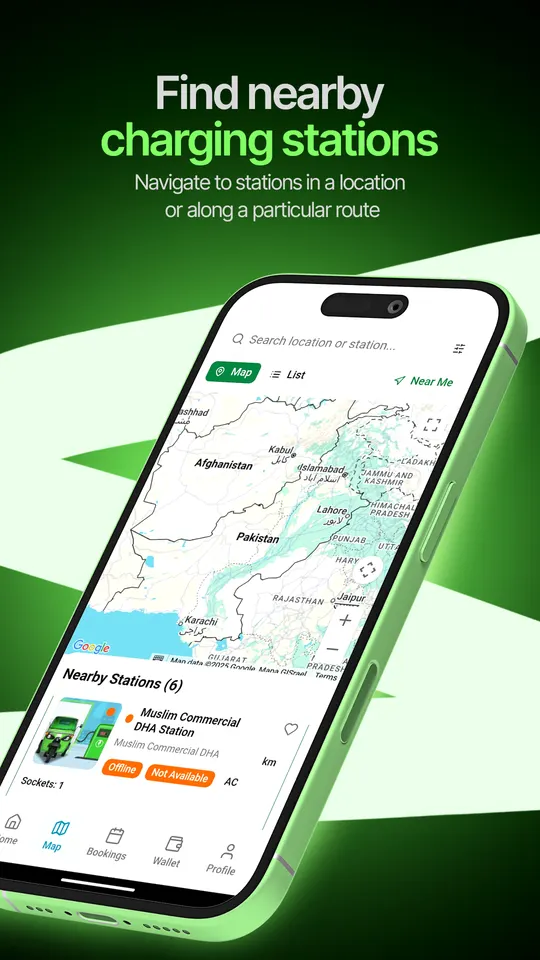
Find a charger
Search an area or landmark and see which connectors are free.
- 02
Top up your wallet
Add money with PayFast. Zvolta is prepaid, and cash is never accepted.
- 03
Book a slot
On chargers that take bookings, reserve a connector for a time slot.
- 04
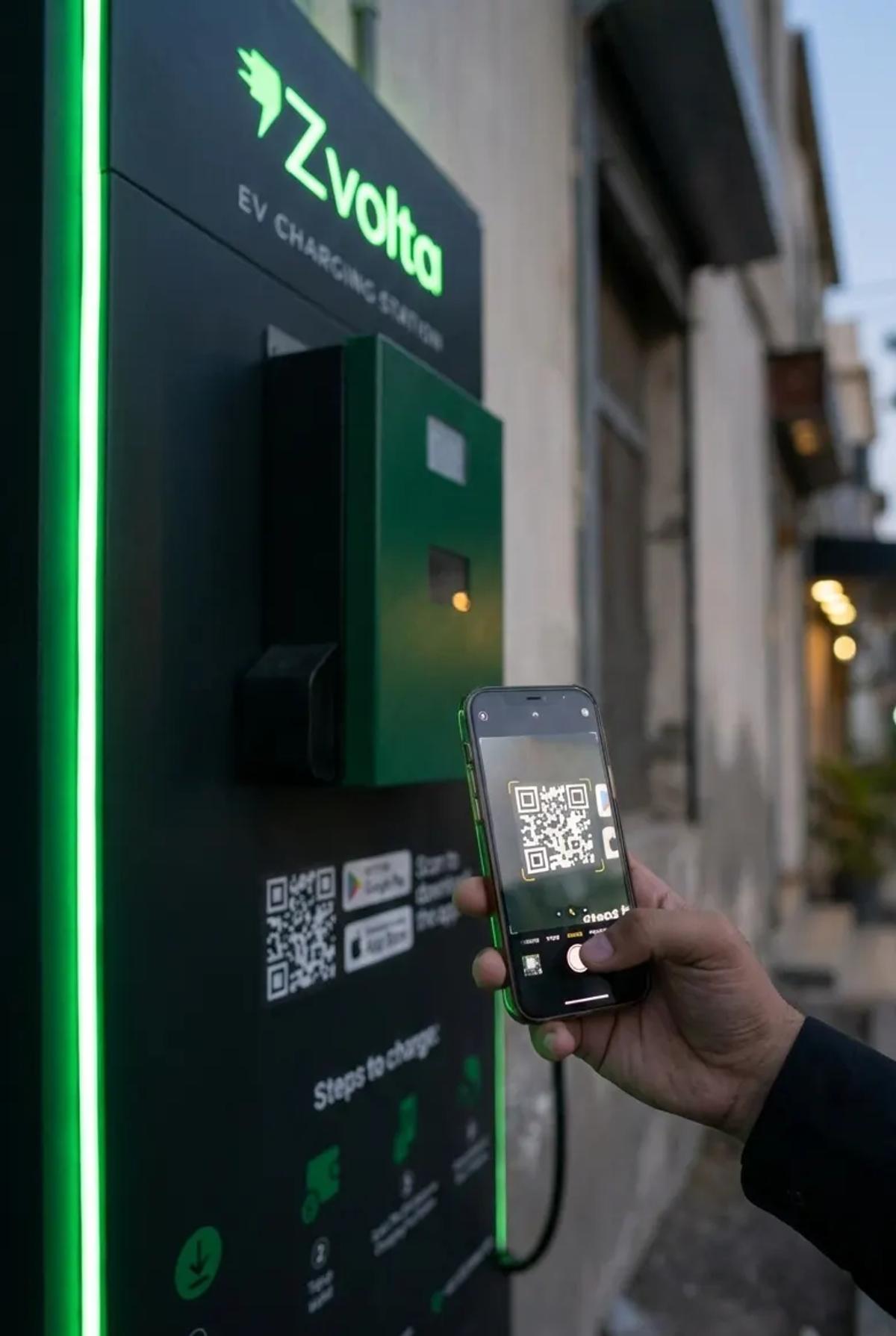
Scan the QR
The code on the charger opens it in the app with its price.
- 05
Charge and go
Watch energy and cost live. The cost comes out of your wallet when you stop.
Built for bikes and cars.
Live availability
Status comes from the chargers, so you know what's free before you drive there.
One prepaid wallet
Top up once with PayFast. Every top-up, charge and refund is in your history.
Clear pricing
Price per kWh and any session fee are shown after you scan, before you start.
Reservations
Hold a connector on chargers that support booking.
Charge where you already park.
Offices
Top up while you work.
Restaurants and cafés
Charge during a meal.
Universities
Charge between classes.
Fuel stations
Charge on the way.
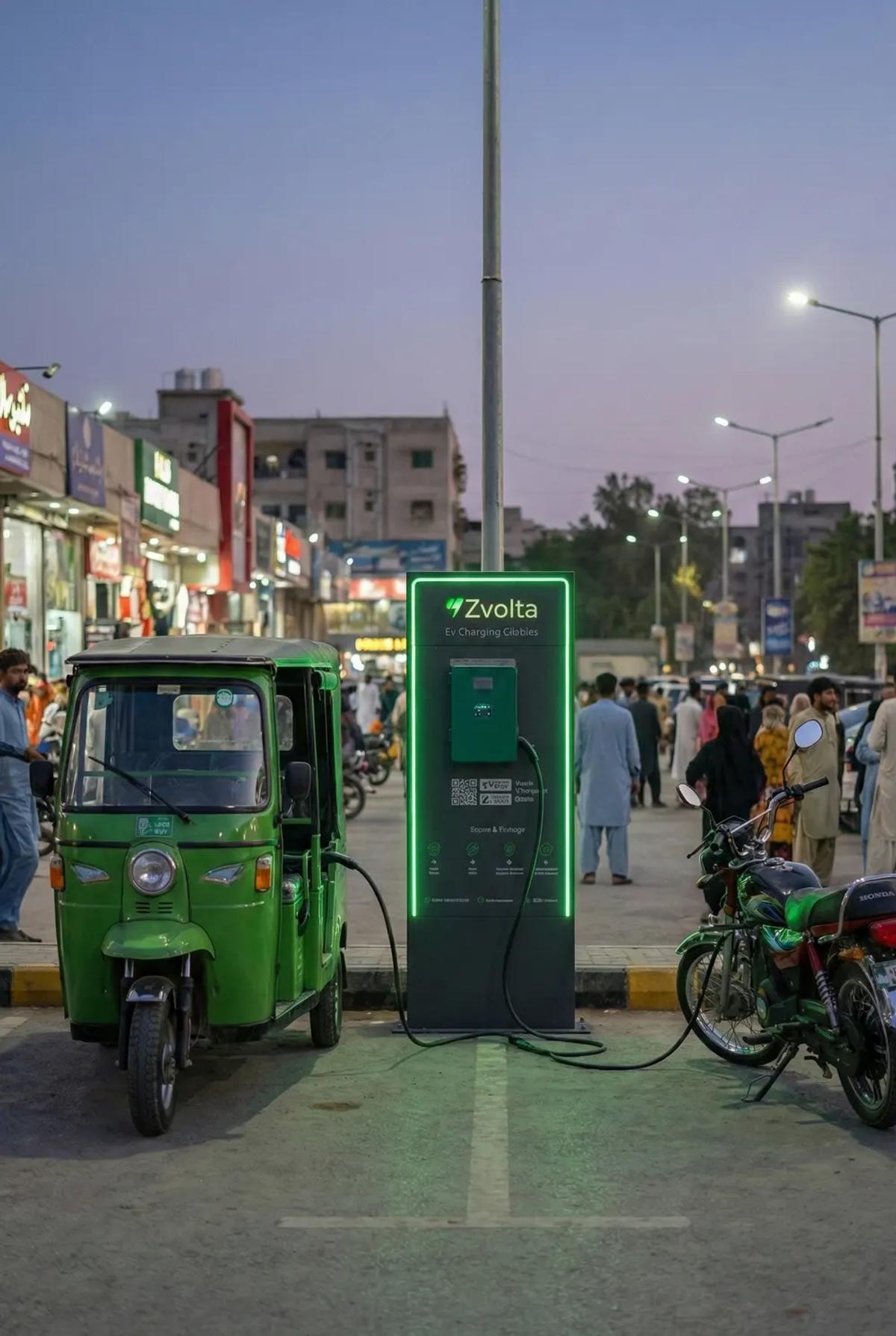
Bikes, rickshaws and cars, all welcome.
Universal sockets for two- and three-wheelers and Type 2 for cars, at the places you already go.
- Live availability before you drive there
- Price per kWh shown before you start
- Pay from your prepaid wallet
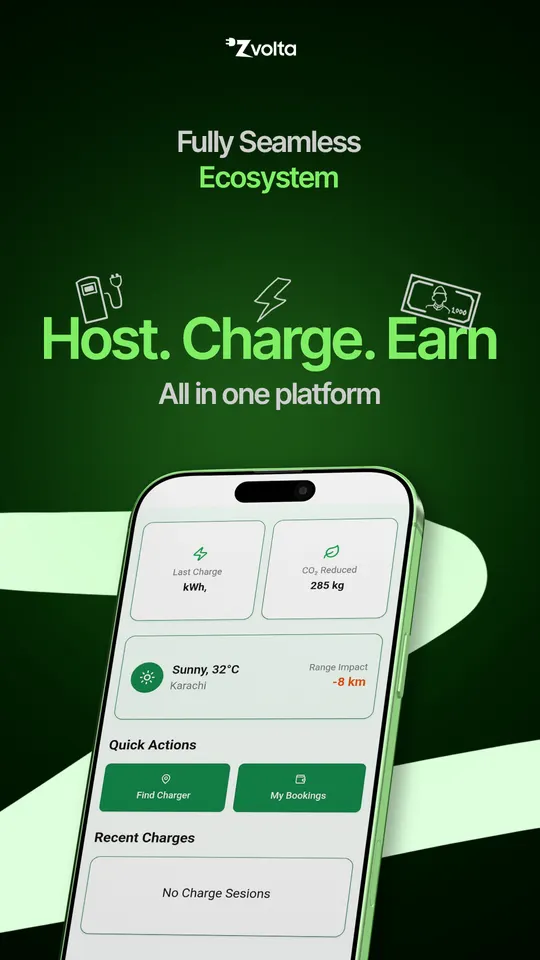
Host. Charge. Earn. All in one app.
Find nearby stations, top up your wallet, book a slot and charge, all from your phone.
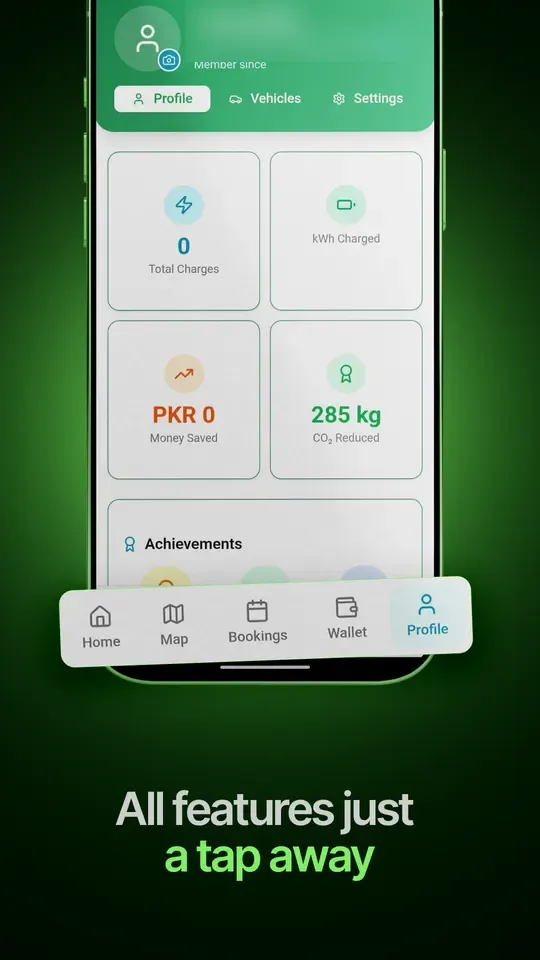
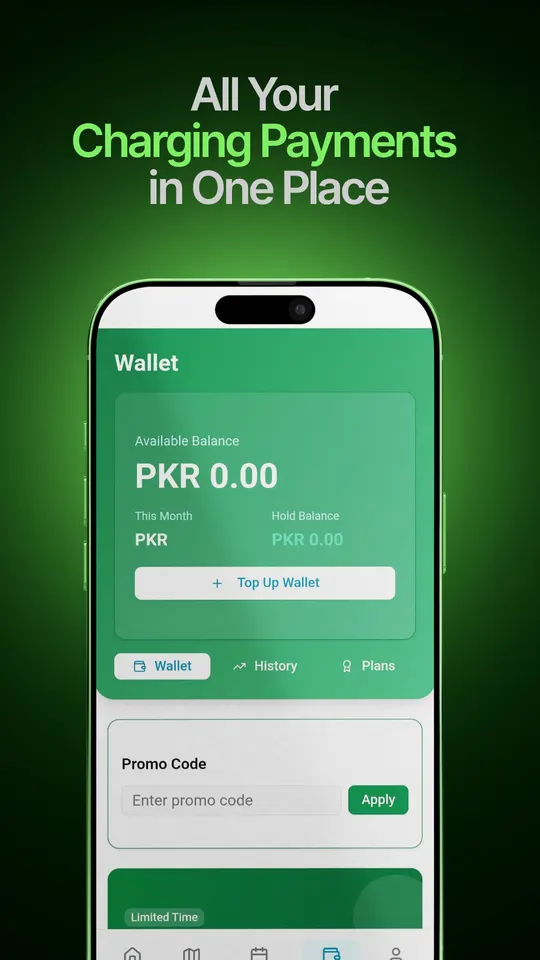
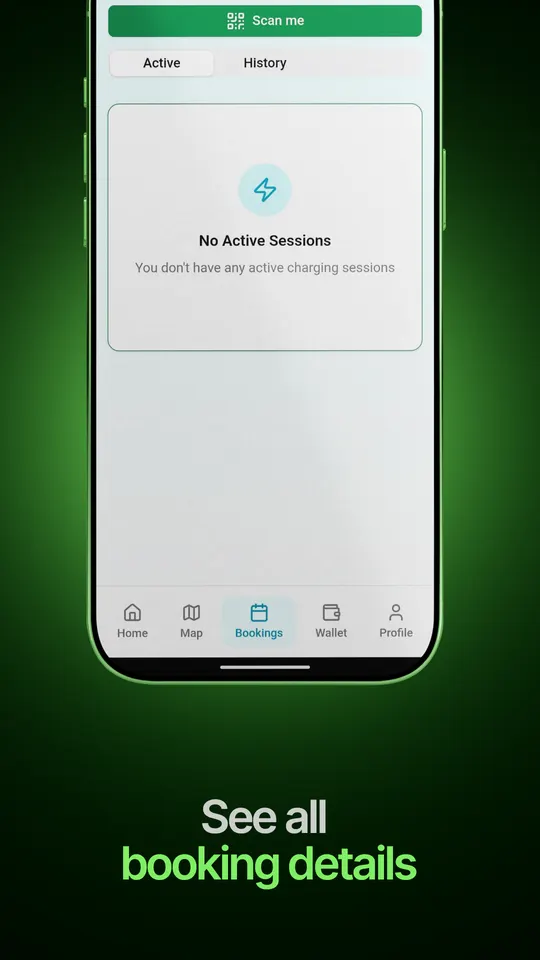
See a Zvolta charging station.
Market Voice visited a Zvolta smart charging station for electric cars and bikes. Over 26,000 people have watched it.
Before you charge.
How do I start a charging session?
Tap the scan button on Home in the Zvolta app and scan the QR code on the charger. Pick a free connector, plug it into your vehicle and confirm the start in the app. The session shows as charging once power is flowing.
How do I stop charging?
Open the active session in the app and tap Stop charge. Wait a few seconds for the connector to unlock, unplug, and put the connector back in its holder.
How do I pay?
Zvolta is prepaid only: you top up your Zvolta wallet in the app with PayFast, then charging is paid from that wallet. There is no pay-later option, and cash is never accepted, not at the charger, not by station staff and not by anyone from Zvolta.
How much balance do I need to start?
It depends on the charger. Your wallet must cover its session fee (if it has one) plus a short minimum charge at its price. The charger's page in the app shows this amount after you scan its QR code, and tells you whether your balance covers it.
How is a session priced?
Cost is the energy you use (kWh) times the charger's price per kWh, plus the charger's session fee if it has one. You always pay for at least a short minimum charge, even if you stop sooner. Each charger's price is shown in the app before you start, and the cost is deducted from your wallet when the session ends.
Which chargers are fast?
Only DC chargers are fast; every AC charger is standard, whatever its kW rating. A DC charger fills most cars from 20% to 80% in under an hour, while an AC charger takes several hours.
Which connector types are there?
DC (fast) connectors are CCS2, CHAdeMO and GB/T DC. AC (standard) connectors are Type 2, Type 1, GB/T AC and a universal wall socket for your own portable charger, such as for bikes, scooters and rickshaws.
Can I reserve a charger?
Yes, on chargers that support it. Open the station, tap Reserve, choose a connector and time slot, and confirm. Upcoming reservations are in the Activity tab, where you can also cancel them.
How do refunds work?
Refunds are issued by Zvolta staff; there is no refund button in the app. Contact support with the session details, and an approved refund is added to your wallet balance and shown as "Refund" in your Wallet history.
What if a charger won't start?
Check the connector is pushed fully into your vehicle's port and shows as available, then scan the QR code again to make sure you're on the right charger. If it still won't start, try another connector or a nearby charger and contact support.
How do I delete my account?
Open Profile (your picture, top right), tap Delete account, then Request account deletion and confirm. Verified requests are completed within 30 days, and you can cancel the request on the same screen until then.
Who looks after the charger after installation?
Zvolta repairs faults free of charge during the 2-year warranty. After that, service visits and repairs are charged, and we quote before any work.
What does hosting a charger involve?
You provide the space, such as a shop, home, office or parking area. Zvolta assesses the site, installs and sets up the charger, and runs the app, payments and monitoring.
What does installation cost?
Installation is quoted separately, based on your site: the cable run from your distribution board, mounting, and earthing if it's needed. We confirm the cost before any work starts.
Who sets the charging price?
You do. You set the price per kWh and keep the energy revenue from every session. Drivers pay Zvolta's session fee on top of that.
How do drivers pay, and do I need staff at the charger?
Drivers pay cashless through the Zvolta app from a prepaid wallet, so no cash changes hands at your site. You don't need staff at the charger, and you can track sessions, earnings and charger status from your host dashboard.
Is hosting a charger safe?
Yes. We install government-approved, safety-tested chargers with built-in overload and short-circuit protection, and we handle the necessary permits.
Which charger should I choose?
The 3 kW charger suits homes, EV bikes, smaller EVs and low daily use, while higher-power chargers suit cars and busier shared sites. Our team reviews your site and recommends the right one.
Can I add more chargers later?
Yes. You can start with one charger and add more as demand grows.
How do I apply?
Fill in the host form with your details and location. Our team will get back to you to assess your site.
What is Zvolta software?
It is the platform that runs our own network, available for companies that want to manage EV chargers without building software from scratch. It connects your chargers, a driver app, payments and a dashboard in one system.
Will it work with my chargers?
The platform supports chargers that speak OCPP 1.6J, the common open protocol between chargers and charging software. Share your hardware details and we'll check compatibility before you commit.
What's included?
A driver app (find chargers, scan to start, pay, see history), a host portal, an admin dashboard, a prepaid wallet with online payments, bookings, and usage and revenue reports. You control pricing, access, charger availability and user roles from the dashboard.
Can I use my own brand?
Yes. You can launch with Zvolta branding, or white label the app, dashboard and charging flow under your own brand.
How does setup work?
You share your hardware details, we check compatibility, then configure your users, locations, pricing and access. We test the scan, charge, payment and reporting flow before your chargers go live.
How do I get a demo or pricing?
Contact us with your hardware, business and launch plans. We'll book a demo and talk through what fits your network.